Mining · How-to
How to set up a Bitaxe
Updated 19 July 2026 · about a 6 minute read
A Bitaxe is about as friendly as Bitcoin mining hardware gets, and you'll have it hashing in fifteen minutes without touching a command line. It's all done through a web page. Power it, put it on your wifi, point it at a pool, done. Here's the whole thing, step by step, with the bits people trip over flagged as we go.
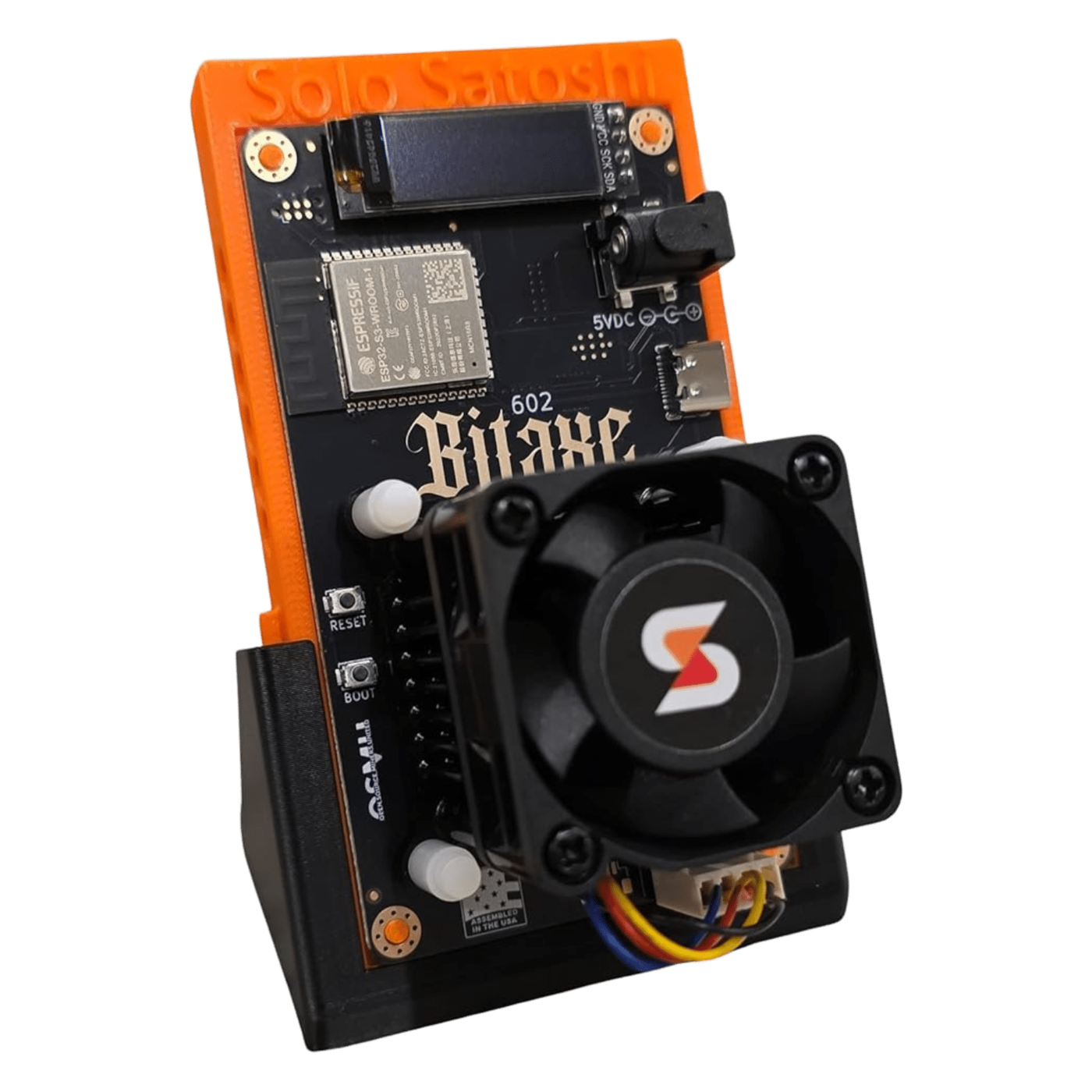
What you need
Not much, and you probably have most of it.
- The Bitaxe itself. If you're picking one, the Gamma is the one I'd start with.
- The right power supply. A proper 5V barrel-jack brick for the small boards, or a 12V XT30 supply for the bigger ones. This is the single most common thing people get wrong, so don't skimp and don't reach for a phone charger.
- Your Bitcoin wallet address. An on-chain address you control - from a hardware wallet, or a node, or a wallet app. This is where a block reward would land, so use one whose keys are yours.
- A wifi network and a phone or laptop. That's the lot.
The setup, step by step
Power it up
Plug it into a proper supply and nothing else yet. A single-chip board (Gamma, Supra, Ultra) wants a 5V barrel-jack power brick - not a phone charger, they sag under load and cause half the "faults" people report. The bigger boards use a 12V XT30 input. Give it a few seconds and the fan spins.
Find it on your network
Out of the box the Bitaxe puts out its own wifi network, something like "Bitaxe_XXXX". Join it from your phone or laptop, and a browser should pop open the AxeOS dashboard. If it doesn't, go to 192.168.4.1. That's the whole interface - a web page, no app to install.
Connect it to your wifi
In AxeOS, open the wifi settings, pick your home network, and put in the password. The Bitaxe reboots, drops its own network, and joins yours. Find its new address from your router's device list (or it'll often show as bitaxe.local), and load AxeOS again from there. Bookmark it.
Point it at a pool
This is the only step that matters for earning. In the pool settings, set the Stratum URL to a solo pool - solo.ckpool.org on port 3333 is the safe default - and put your own Bitcoin wallet address in as the Stratum user. No account, no password worth setting. Your address is your username. If you win a block, that's where it lands.
Update AxeOS, then the firmware
Fresh boards often ship on older software. Update AxeOS first, let it finish and reboot, then update the miner firmware - in that order, so it doesn't reboot mid-flash. It's a two-minute job and it's worth doing before anything else, because updates reset your settings and you'd rather redo them once.
Checking it's actually mining
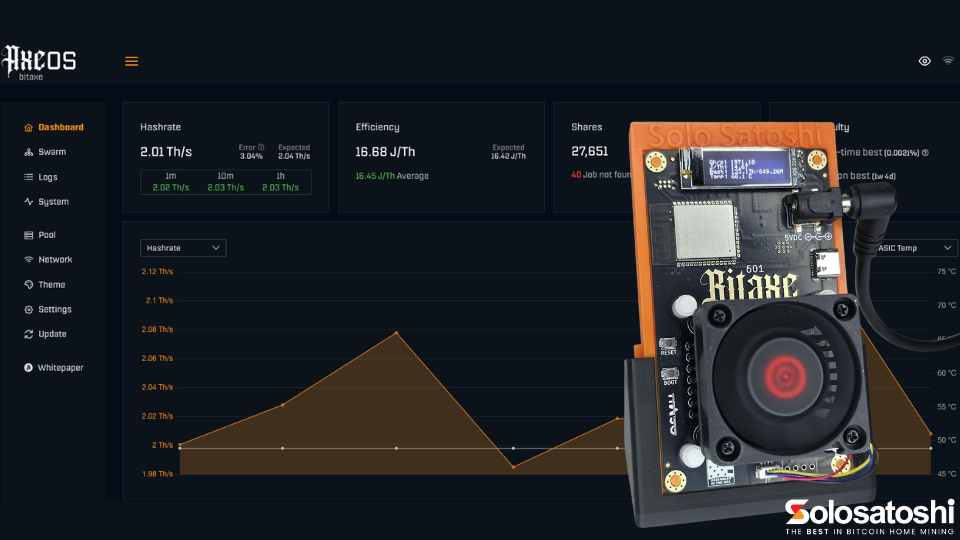
Back on the AxeOS dashboard you want three things looking healthy. A hashrate that's settled near the board's rating - a bit over a terahash for a Gamma. Shares ticking up, which is your miner reporting valid work to the pool (this is normal and constant - it does not mean you've won anything). And a temperature sitting somewhere sensible, ideally under 65C. If the hashrate's there and the temperature's calm, you're mining. That's it.
One thing to be clear on, because it catches people: those shares are not winnings. Solo mining is a lottery, and the shares are just proof your ticket's in the draw. You'll see them roll in forever without finding a block, and that's completely normal. Have a look at the lottery-odds calculator for what your particular odds actually are.
What next
Leave it running and glance at it now and then - the share counter ticking up does something for me I won't try to justify. When you fancy tinkering, two things are worth reading: which pool to point it at if solo.ckpool isn't for you, and how to squeeze more hashrate out of it safely.
- Best solo mining pools - CKPool, Public Pool and the rest, and why the pool never changes your odds.
- Bitaxe overclocking - real frequency and voltage settings, and the safe way to tune your own.
That's a Bitaxe up and running.